
Does BestInterest support families with multiple children?
Yes. BestInterest supports one child or several children in the same family.
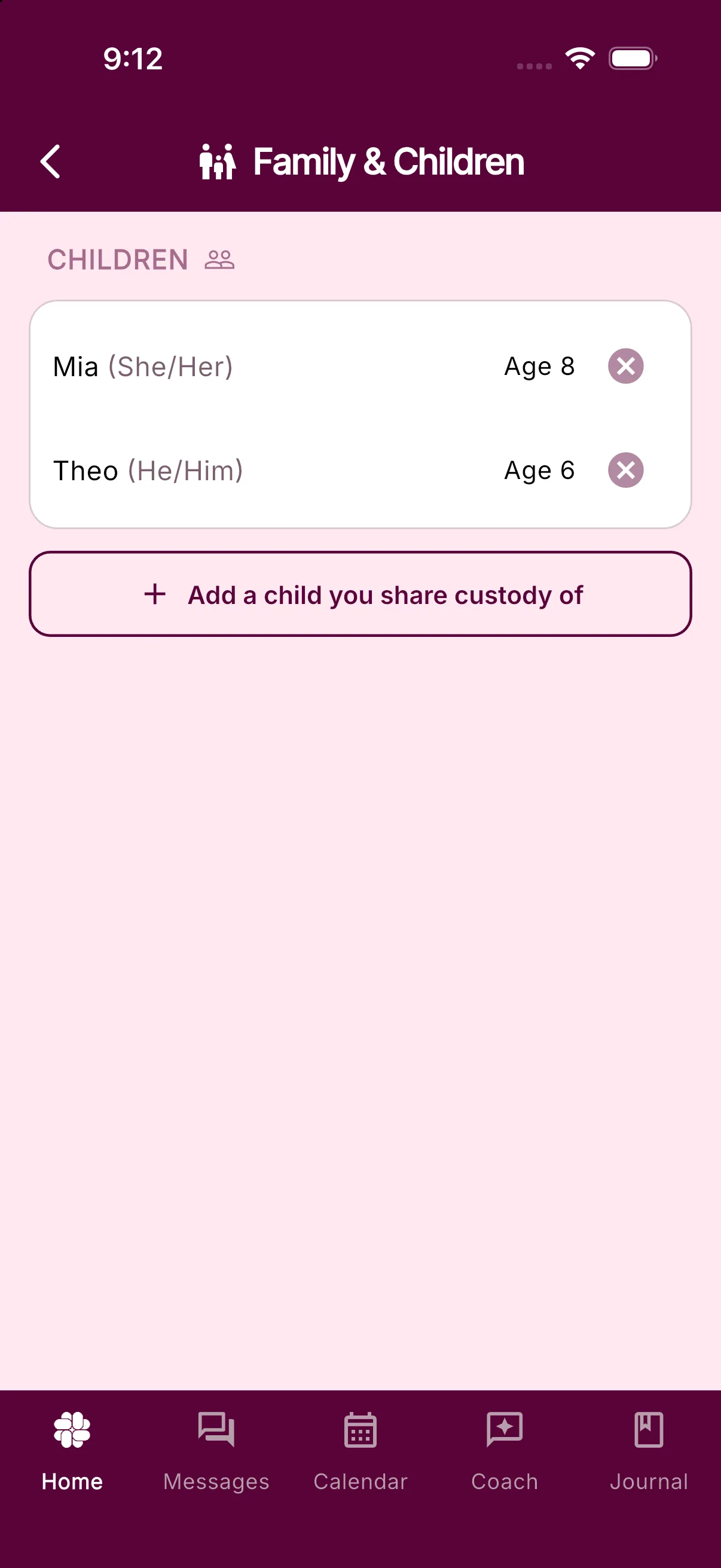
Add each child
Open Settings > Family & Children and tap Add a child you share custody of. In the sheet, add the child’s name, birthday, and pronouns, then tap Add Child. BestInterest uses those details to personalize Coach and Message Shield for your family.
Keep messages and records organized
BestInterest does not assign messages or Journal entries to a child automatically. Include the child’s name in the message when context matters.
In the Journal, add a tag with the child’s name when you want to organize events for that child. On eligible Protect plans, Magic Tags can suggest tags. You can then search Journal entries by tag.
You can use the Parenting Calendar, Tasks, Binder, and other shared tools for the whole family while keeping each child’s details in Family & Children.
Was this helpful?
Still need help?
Contact Support