
My Photos Gallery

The Photos gallery in BestInterest makes it simple to access every image exchanged with your coparent. This tool is designed to help you keep track of important visuals, whether they’re part of your ongoing communications or shared memories.
How It Works
Open More Tools > Photos. Photos is in the Records group. If you use it often, you can place it on Home from Settings > Customize Home.
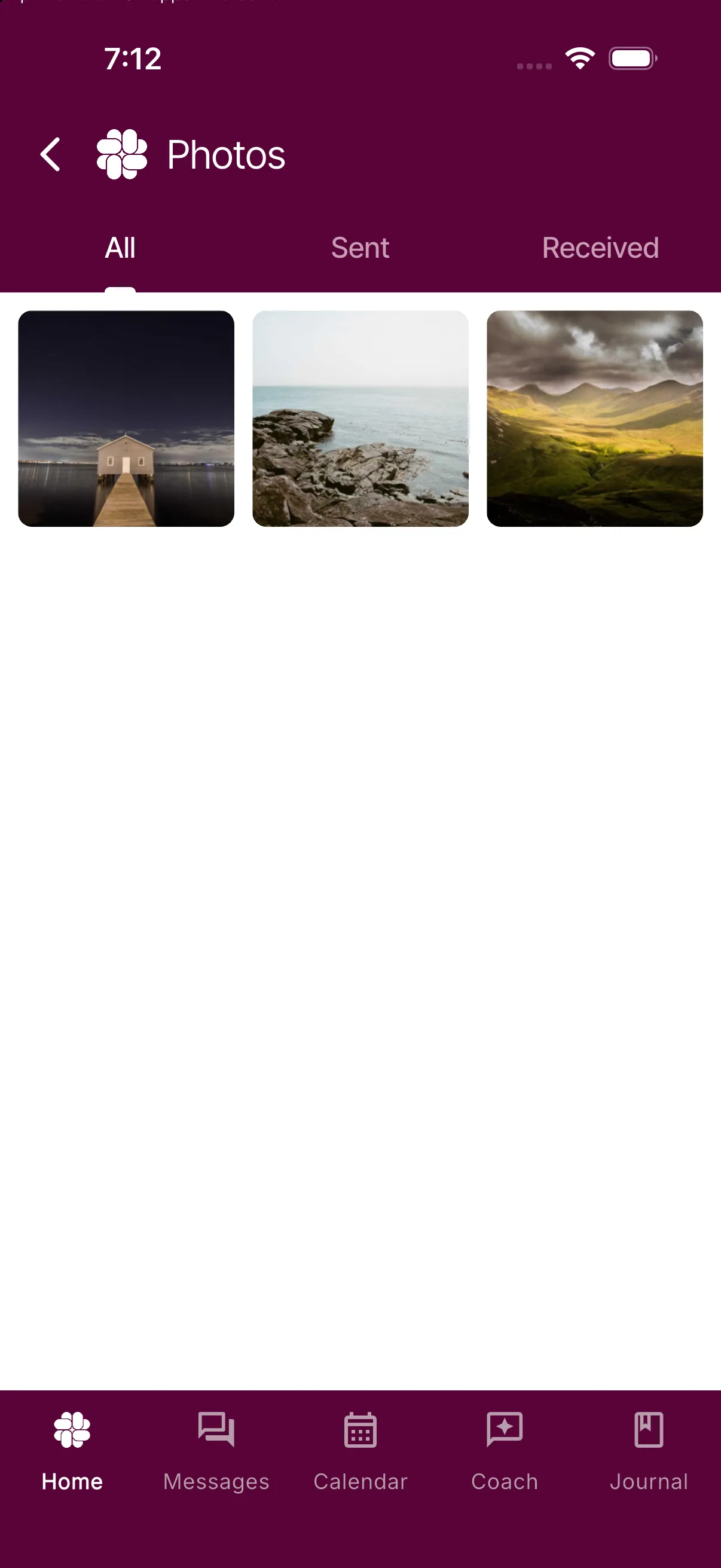
• All: Tap this option to view every image—both sent and received—in one comprehensive gallery.
• Sent: Tap this to see only the images you have sent.
• Received: Tap this to see only the images your co-parent has sent you.
Quick Tips
• Effortless Navigation: Use the clear tab options to quickly switch between all images, sent images, and received images.
• Stay Organized: This view helps you easily reference images for discussions, legal documentation, or simply for keeping track of important moments.
Was this helpful?
Still need help?
Contact Support