
Why does BestInterest say my coparent's number is already used?
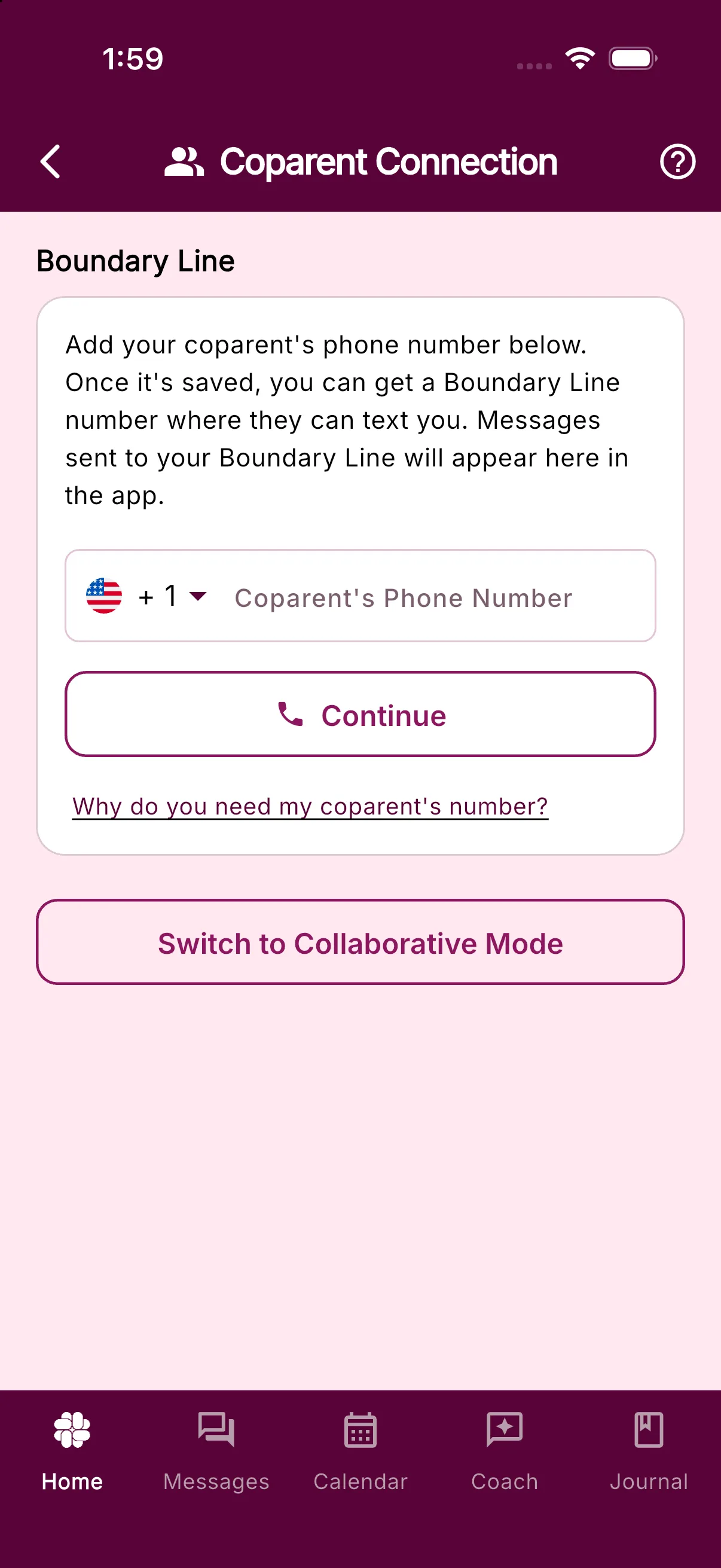
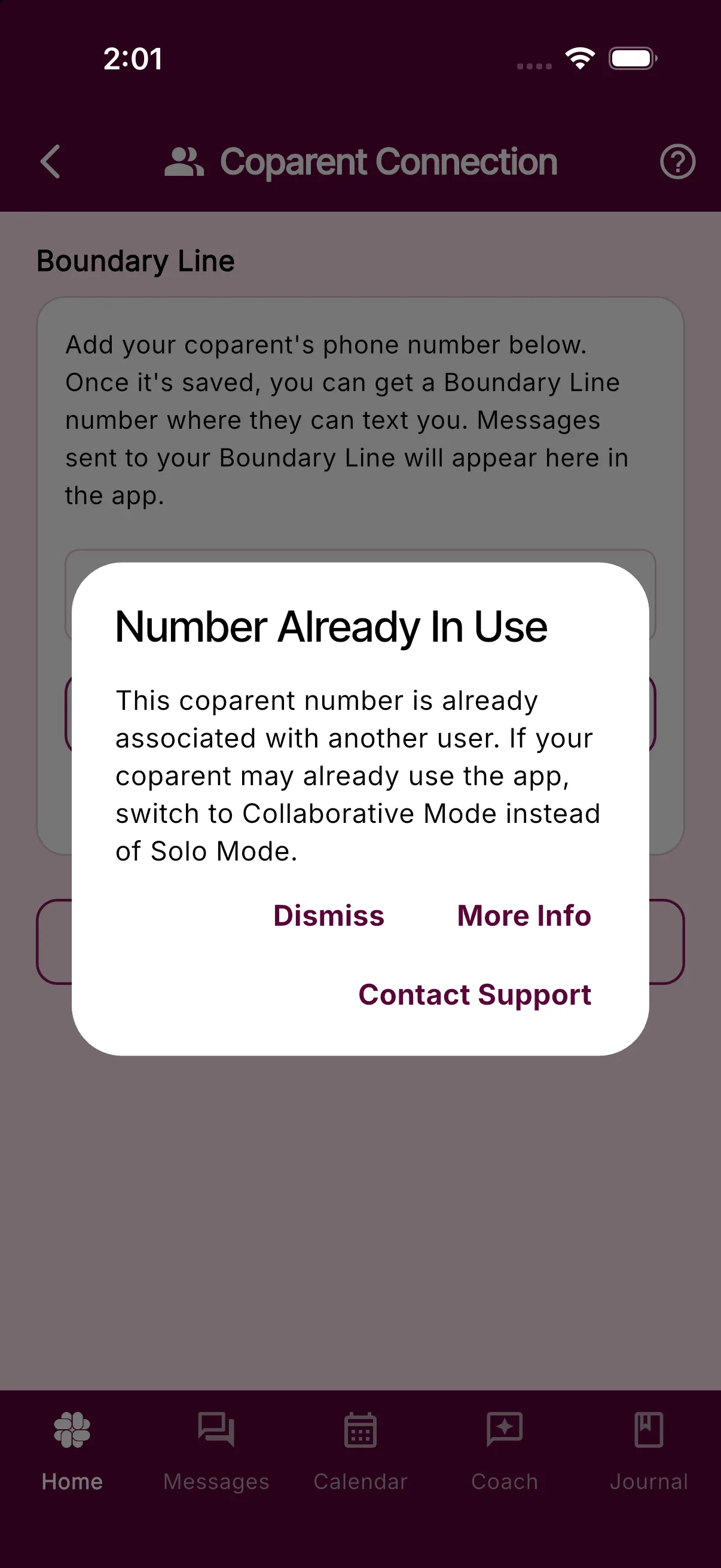
If you enter your coparent’s phone number in Solo Mode and see Number Already In Use, the number is already associated with another BestInterest account or another user’s coparent entry. BestInterest does not automatically remove a number from an existing account or family because doing so could disrupt someone else’s access or messages.
If your coparent uses BestInterest
Use Collaborative Mode to connect your accounts instead of entering their number as a Solo Mode coparent:
- Open Settings > Coparent Connection.
- Follow the instructions to switch to Collaborative Mode and invite or connect with your coparent.
You do not need to enter your coparent’s number in the Solo Mode phone field when you are connecting your accounts.
If you want to stay in Solo Mode
The number may have been entered as a coparent number on another account. For example, while testing the app, your coparent may have entered their own number instead of yours.
Ask them to open Settings > Coparent Connection and check the coparent number they entered. It should be your number, not their own. They should only change it if they recognize the mistake and are sure the replacement is correct.
If the number may belong to an old account, an account you do not control, or another family, do not try to work around the restriction. In the Number Already In Use dialog, tap Contact Support, or contact support. Include your account email, your coparent’s number, and the exact message you see. Support can verify the account state before deciding whether the number can be changed safely.
You can also tap More Info in the dialog to reopen this guide.
Was this helpful?
Still need help?
Contact Support