
How BestInterest Handles Pronouns
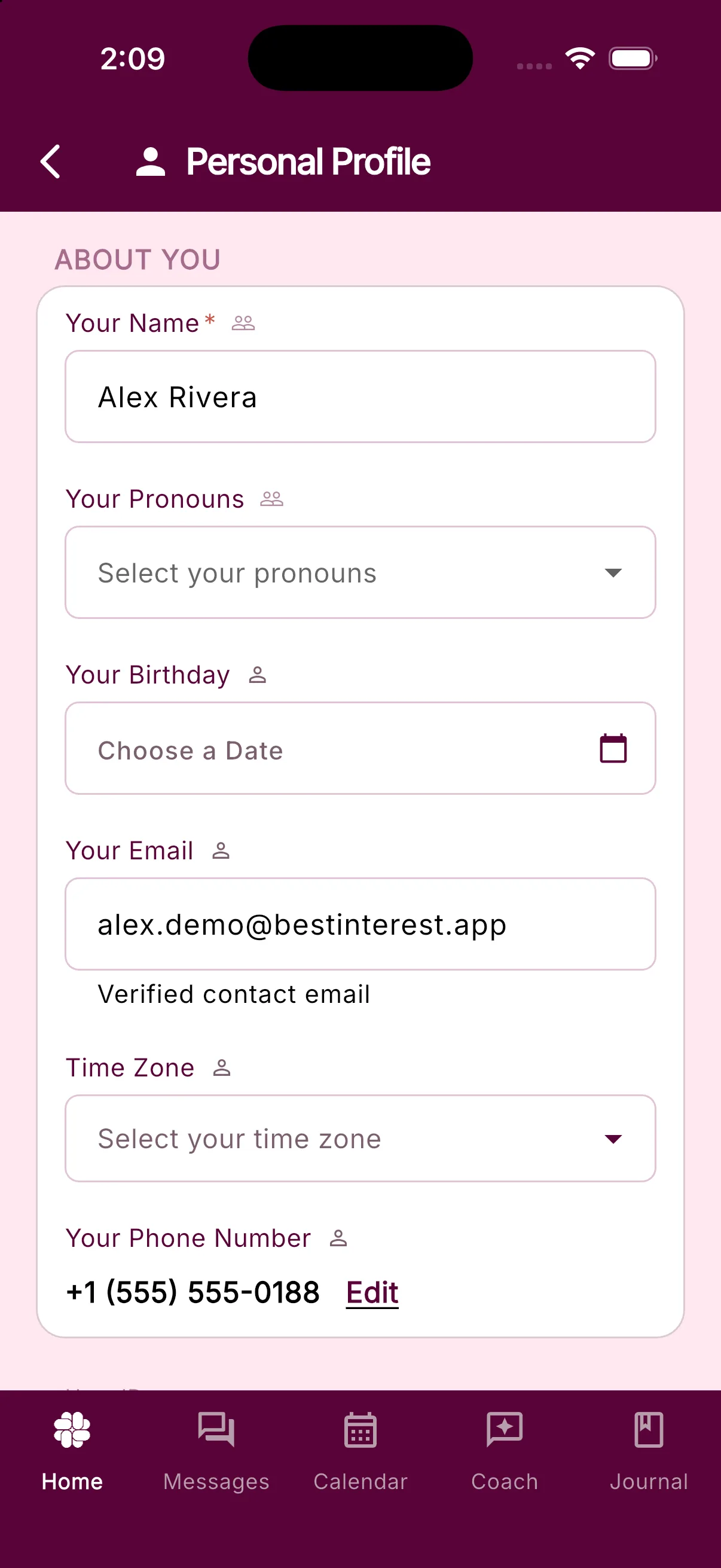
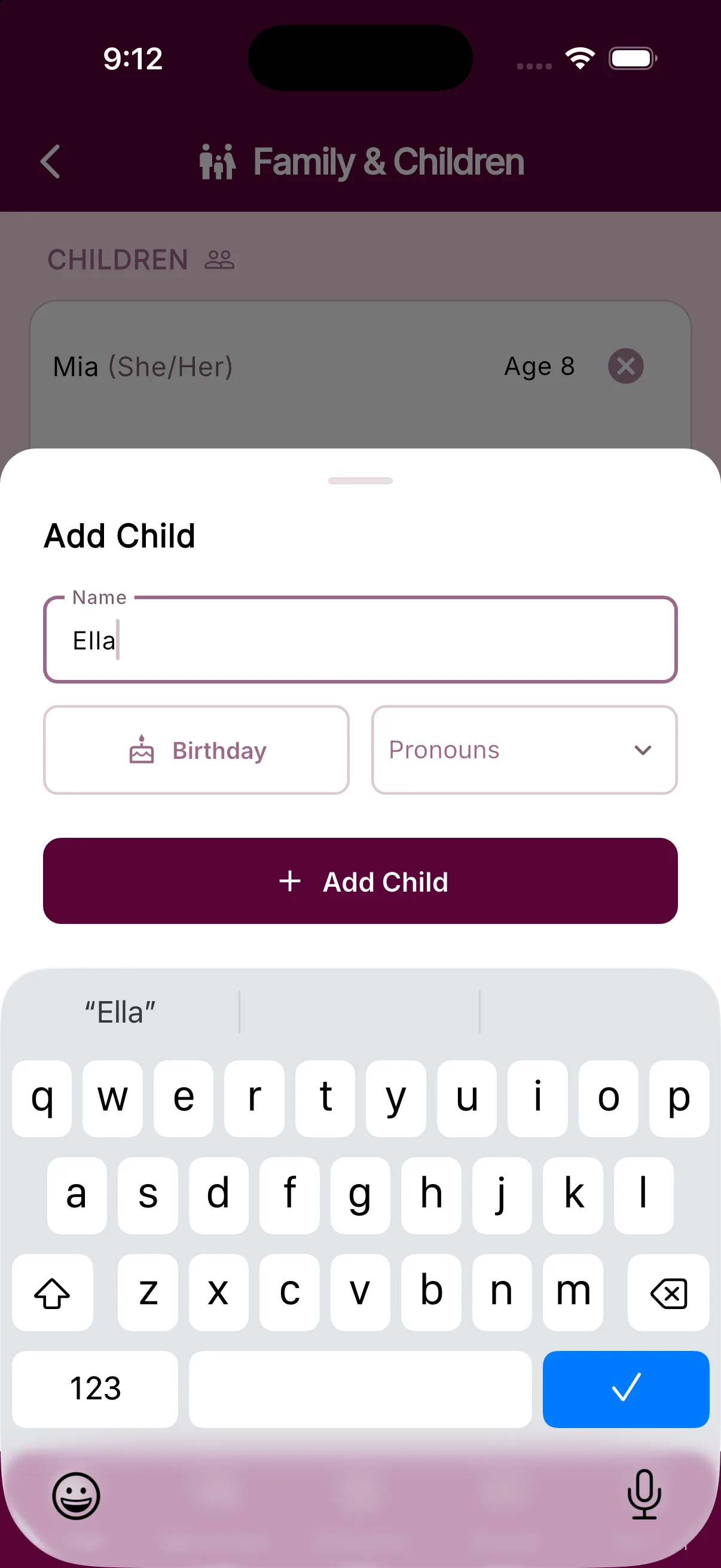
Pronouns are optional in BestInterest. When you set them, the app can refer to family members more clearly in guidance, messages, and summaries.
Where to update pronouns
- Open Settings > Personal Profile and use Your Pronouns for yourself.
- Open Settings > Family & Children, then add or tap a child to set that child’s pronouns.
- Open Settings > Coparent Profile and use Coparent Pronouns for your coparent.
You can change these fields later or leave them blank.
Who can see pronoun details
BestInterest labels Your Pronouns, Coparent Pronouns, and child pronouns as shared settings. In Collaborative Mode, treat these fields as visible to your linked coparent.
Was this helpful?
Still need help?
Contact Support