
What Is a System Message?
A system message is created automatically by BestInterest. It appears in a different color from messages written by you or your coparent.
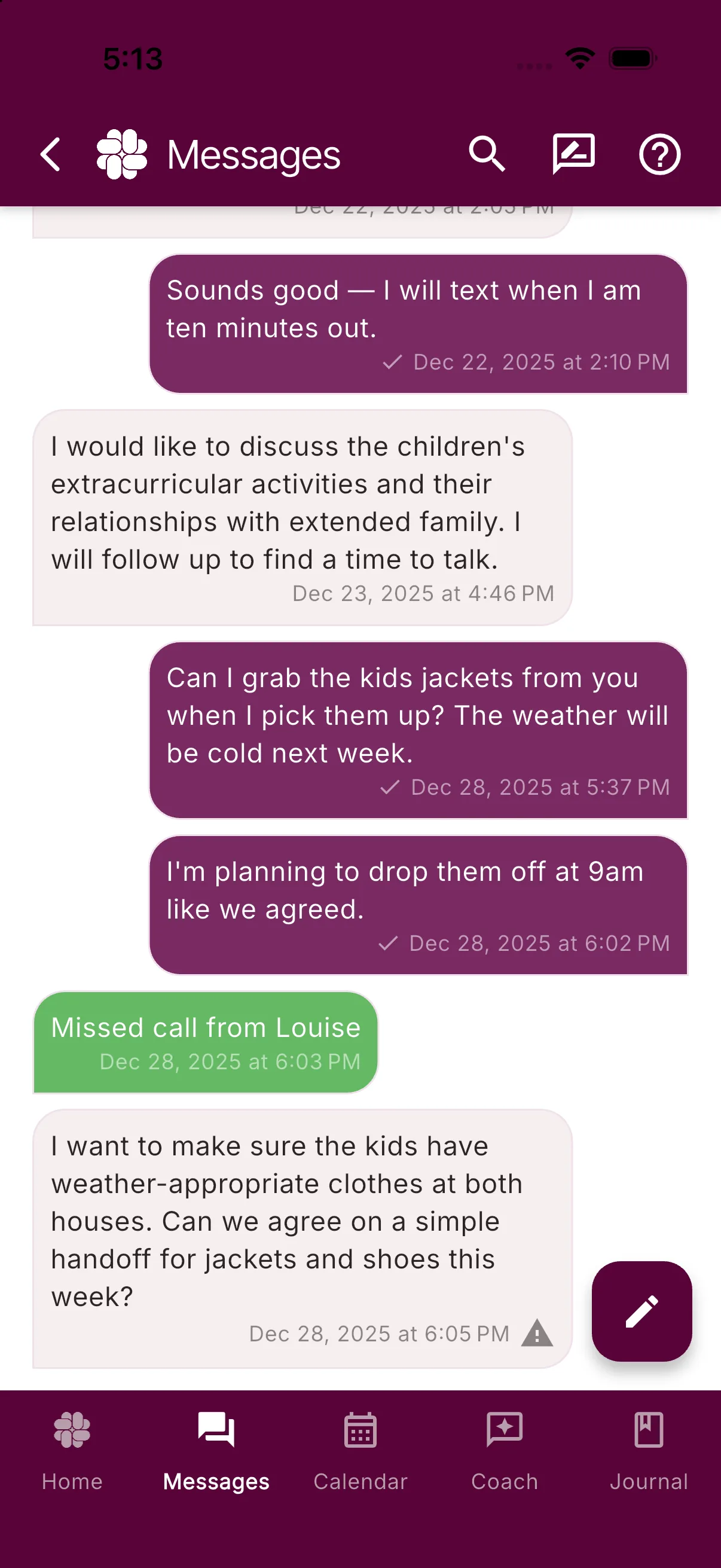
System messages can tell you about:
- Missed calls or calls that could not connect because no minutes remained
- Schedule changes and calendar approvals from your coparent
- New shared tasks or expenses
- Shared Binder changes
Tap a system message to open the related screen when an action is available, such as a calendar change waiting for approval. Other system messages open a System Message detail sheet.
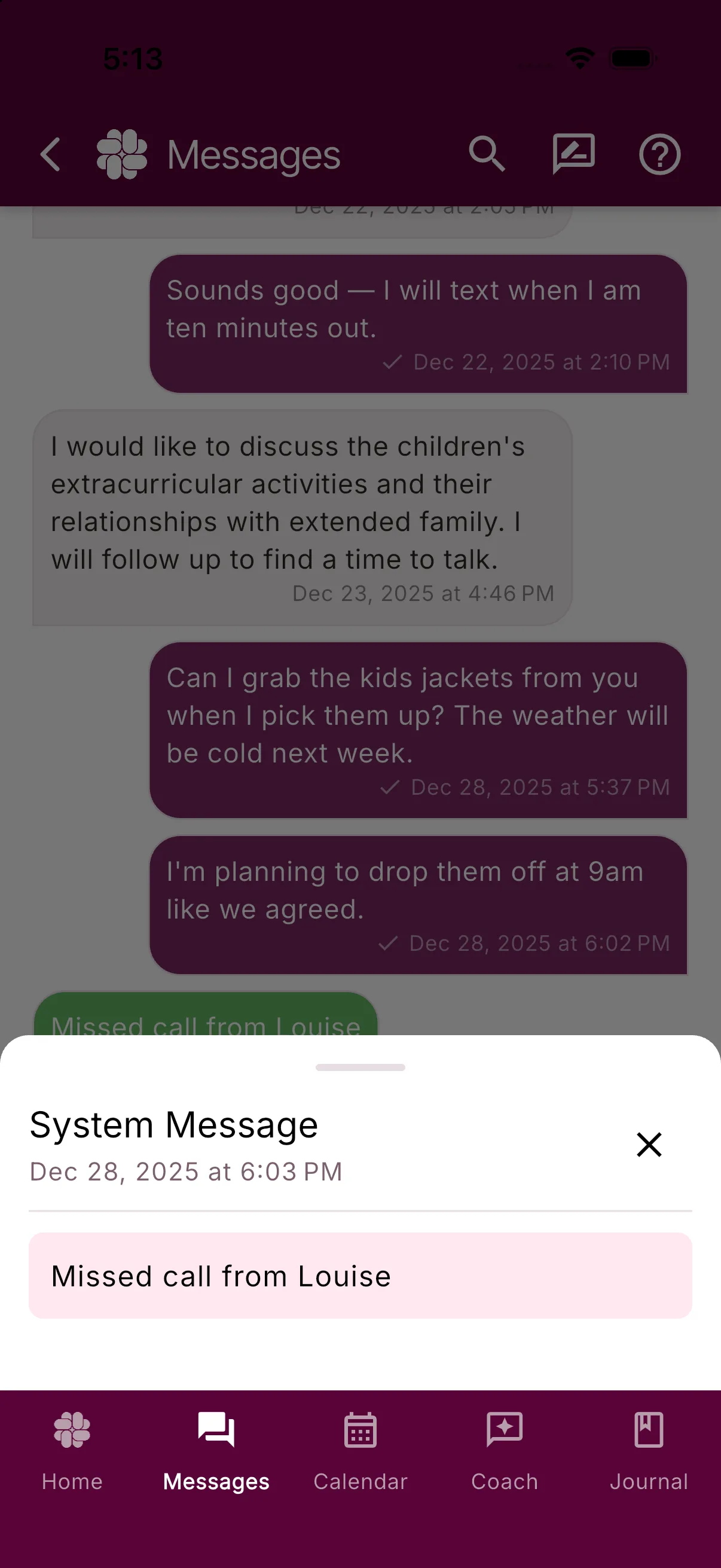
A system message was not typed by your coparent, although it may describe an action they took in a shared part of BestInterest.
Was this helpful?
Still need help?
Contact Support