
What Is Shared With My Coparent?
This article describes linked accounts in Collaborative Mode. In Solo Mode, there is no linked coparent account inside BestInterest.
Information that stays private
Your coparent cannot see:
- Private Journal entries
- Coparent Coach questions and answers
- Support requests or conversations with the BestInterest team
- Tags and flags you add to messages or journal entries
- Message drafts, Tone Guardian suggestions, or revisions you do not send
- Parenting Calendar events you keep private
- Notification settings and schedules
- Your email address, birthday, phone number, or other private profile details
BestInterest can use private account context to personalize features for you. That context and your Coach conversations are not copied to your coparent.
Messages and read status
Your coparent sees the final messages you choose to send. BestInterest does not send a draft or suggested rewrite until you tap the send action.
When you read a message, its sender can see the Read status and timestamp.
Shared family information
After accounts are linked, both coparents can access shared family records, including:
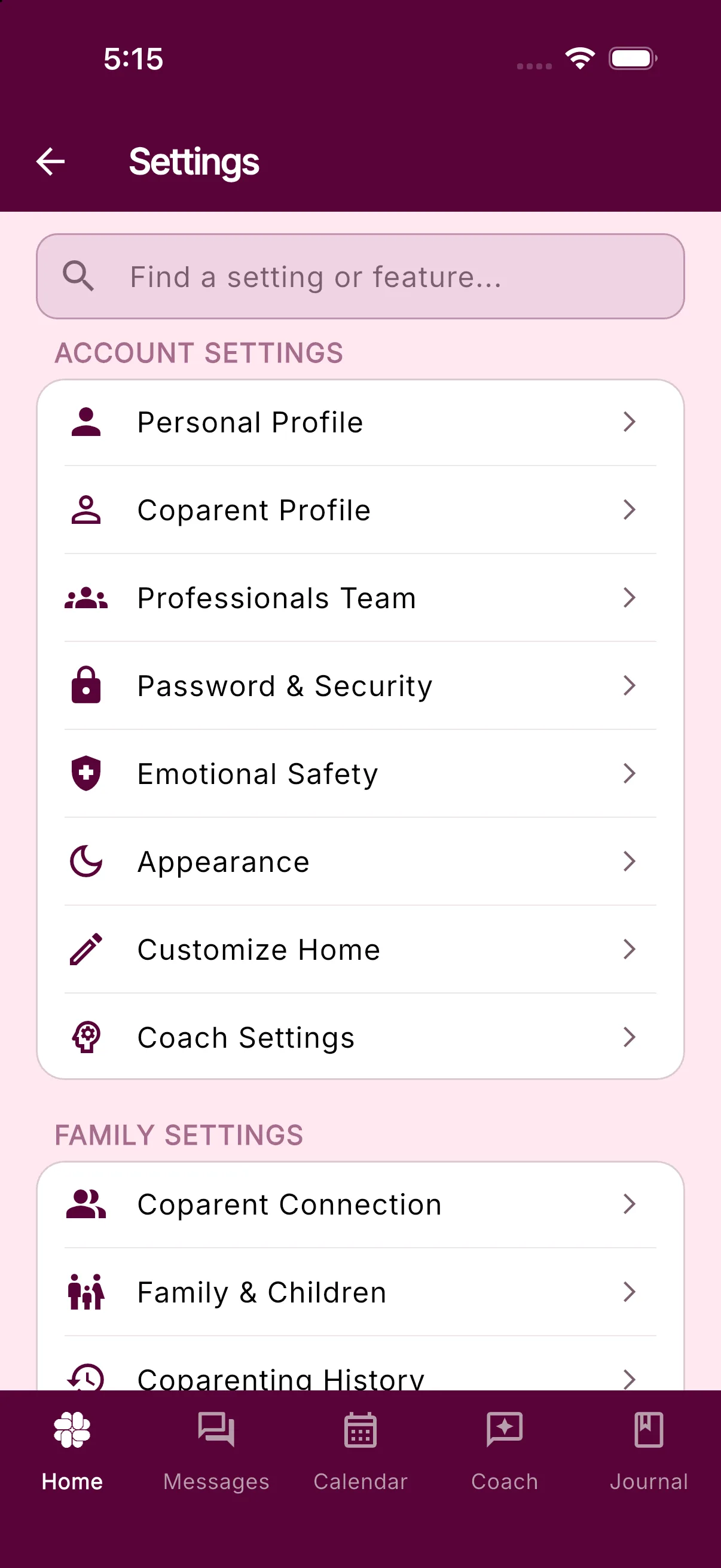
- Family and custody details under Settings > Family & Children
- Events placed on the shared Parenting Calendar
- Shared Tasks, Photos, and Binder items
- Shared expenses and reimbursement requests
BestInterest labels the pronoun fields for you, your coparent, and your children as shared settings. In Collaborative Mode, treat these fields as visible to your linked coparent.
Your uploaded Parenting Plan and its review are private. You can offer a reviewed copy to a connected coparent, who must choose to use it. Their accepted copy belongs to their account.
Account-linking details
Your linked coparent can see your first and last name and a broad range for your recent app activity on their Settings > Coparent Connection screen. The app labels that activity Last Login and uses ranges such as Today, Last 2 days, Last week, Last month, or More than a month. It does not show your subscription tier or internal BestInterest User ID.
If a Family Subscription covers your account, this screen may also explain the coverage and what disconnecting would change without showing your coparent’s subscription tier.
Only add information to a shared area when you are comfortable with your linked coparent seeing it.
Was this helpful?
Still need help?
Contact Support