
Can My Coparent See My Message Drafts?
No. Drafts are never shared with your coparent.
This includes:
- What you type before requesting a Tone Guardian review
- Tone Guardian’s feedback and proposed rewrite while you review it
- Changes you make while reviewing the suggestion
- Drafts you save to finish later
What Can My Coparent See?
Your coparent can see only the final message you choose to send. If you use a Tone Guardian suggestion, they see that wording only after you choose it as the final message and send it. They do not see that it began as a suggestion.
If you close Tone Guardian without sending, save the message as a draft, or discard it, nothing is added to your shared message history.
BestInterest and Tone Guardian process the draft so the app can save it or provide feedback. That processing does not share the draft with your coparent or add it to the co-parenting message record.
What Happens When Tone Guardian Is Off?
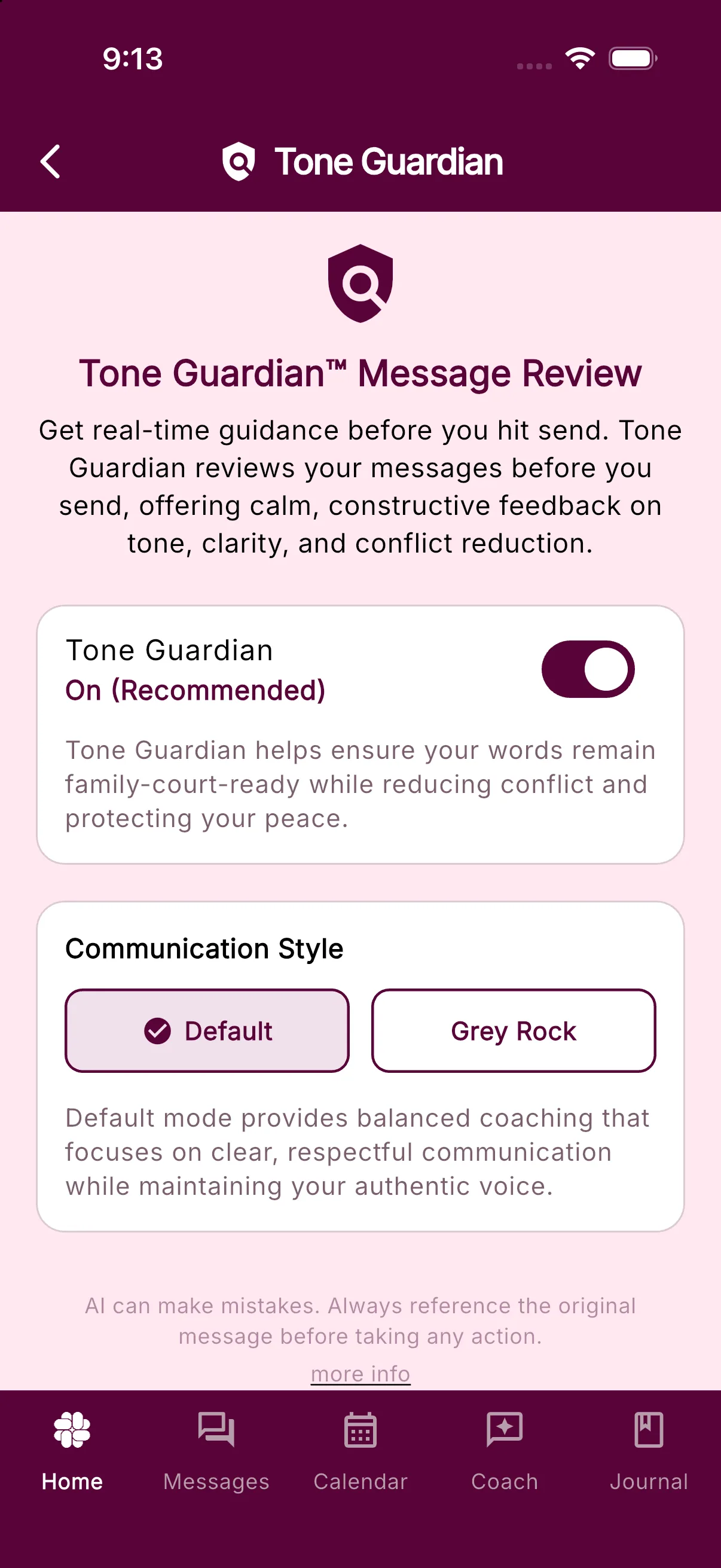
For a normal new text message, turning Tone Guardian off makes the compose button read Send Message and sends immediately. When Tone Guardian is on, that button usually reads Review Message and opens the review first. Existing drafts, ready replies, image-only messages, accepted quick responses, and other review-bypass cases may still show Send Message even when Tone Guardian is on. You can change the setting in Settings > Tone Guardian.
Learn more about Tone Guardian or adjust your Tone Guardian settings.
Was this helpful?
Still need help?
Contact Support