
How do I convince my co-parent to use the BestInterest app with me?
You can begin using BestInterest even if your co-parent is not ready to join.
- Start in Solo Mode. Use your private Journal, Coach, calendar, tasks, expenses, and reports to stay organized. If your co-parent continues to text, Boundary Line lets you exchange SMS while you use BestInterest.
- Explain a specific benefit. Show how shared messages, calendar items, tasks, expenses, or records could make one recurring co-parenting responsibility clearer.
- Invite them when they are ready. Open Settings > Coparent Connection and follow the Collaborative Mode invitation steps. Learn how to invite your co-parent.
- Ask a trusted professional for help. A mediator, attorney, therapist, or parenting coordinator may be able to explain how a consistent communication record supports your parenting process.
- Keep the conversation focused on your children. Choose a practical example such as coordinating an appointment, activity, or schedule change.
- Remind them it is free to start. Your co-parent can connect with you on the Free Plan, which never expires. Compare plans and pricing.
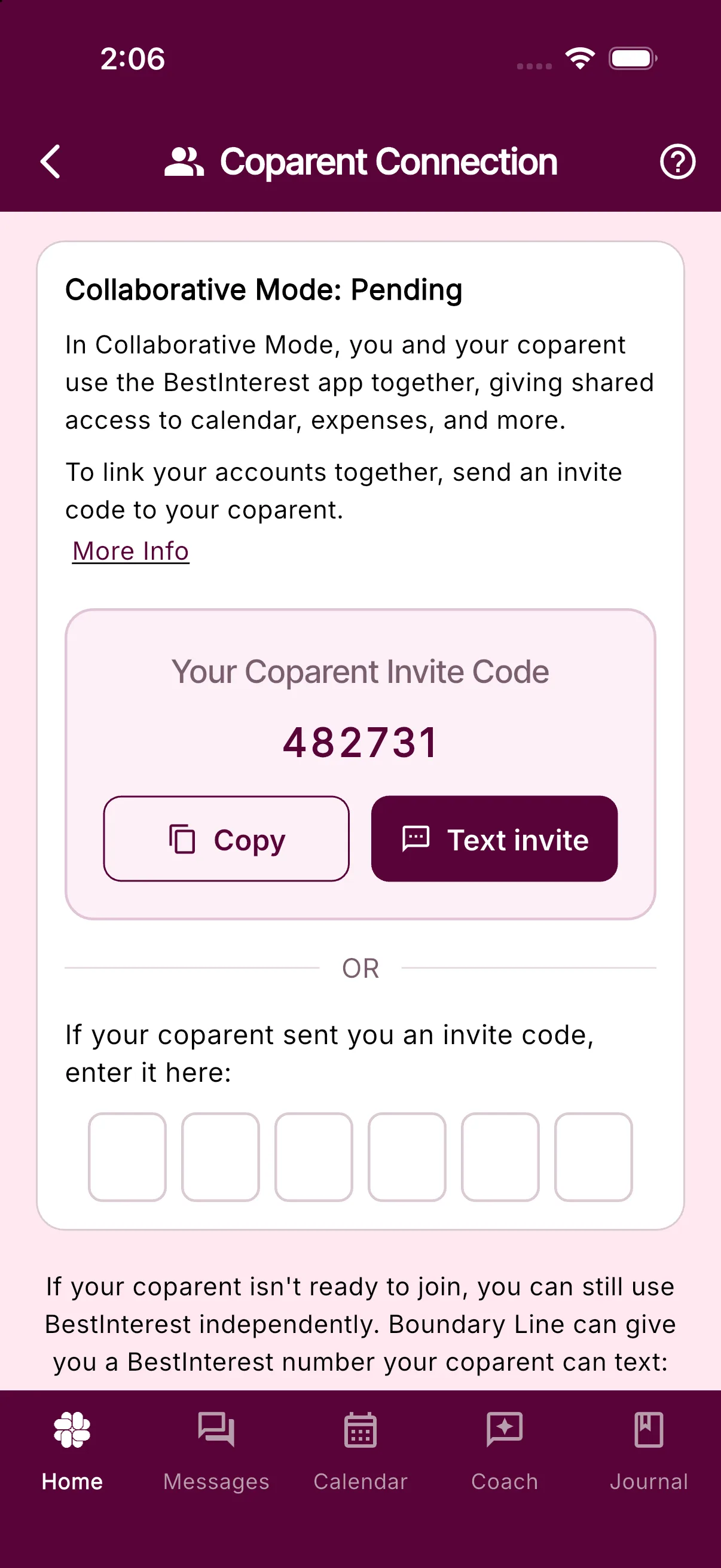
Your co-parent can decide whether to join. You can continue using BestInterest’s Solo Mode tools if they do not.
Was this helpful?
Still need help?
Contact Support