
How do I invite my coparent to join?
With Boundary Line in Solo Mode, you can communicate with your coparent without them needing to use the app. All you need to do is ask your coparent to change the phone number they use to reach you.
However, if your coparent is interested in using the app with you, we offer Collaborative Mode, where you both use the app. Simply follow these steps to enable it:
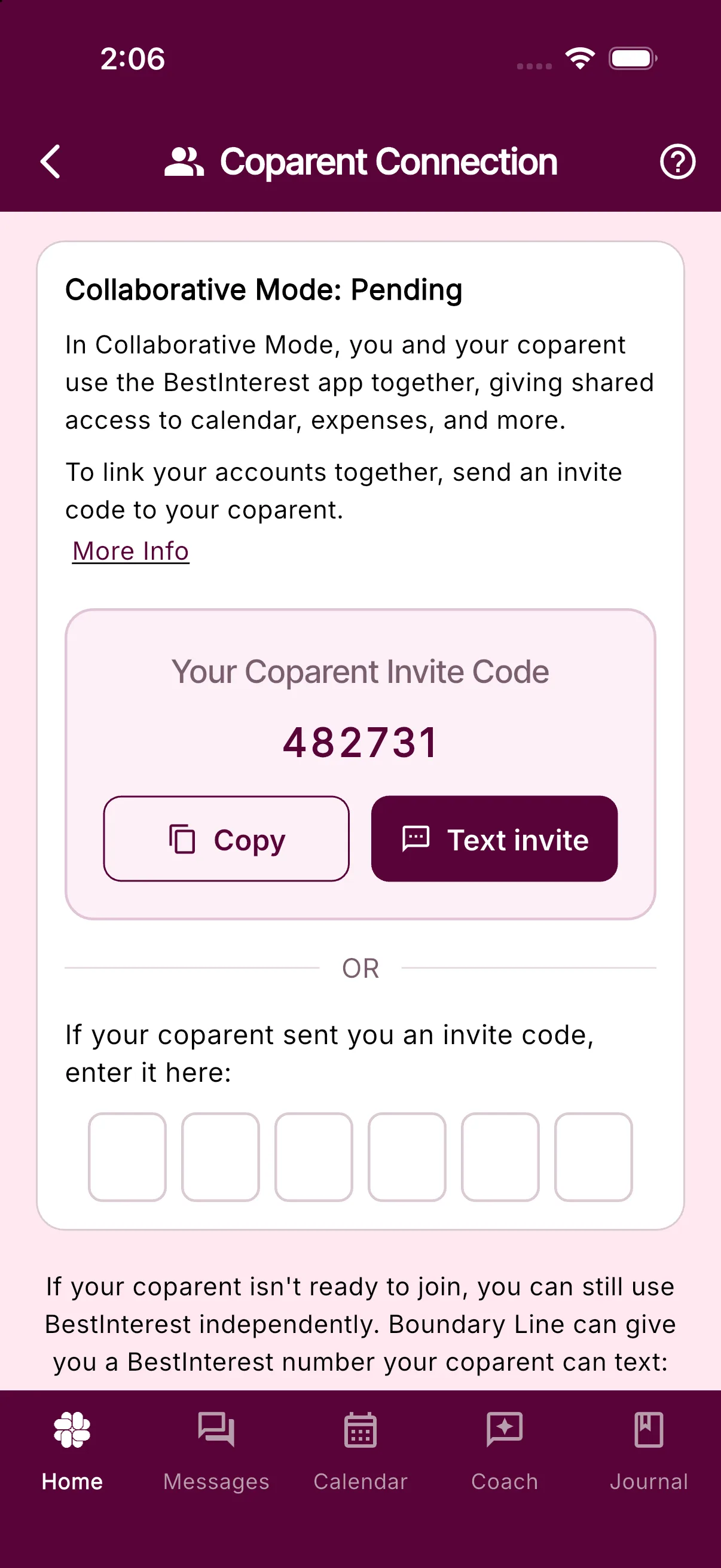
- Open Settings > Coparent Connection
- Tap “Switch to Collaborative Mode” if you see that button.
- Tap Get My Invite Code
- Send the code to your coparent. If their number is saved, the card offers to text it for you.
- Your coparent downloads the app, chooses Collaborative Mode during setup, and enters your code on the Coparent Connection step. They can also enter it later under Settings > Coparent Connection.
- Once those steps are completed, your accounts are connected!
Your coparent can start with the free plan; they do not need a paid subscription to connect with you. See plans and pricing for current feature availability.
Was this helpful?
Still need help?
Contact Support