
When the details matter, bring the record—not a folder of screenshots.
Turn supported messages, journal entries, calls, tasks, and expenses into clear, structured PDFs for an attorney, mediator, parenting coordinator, or other trusted professional to review.
Connect includes up to 10 reports per month and an optional Certificate of Authenticity. Protect and Protect Plus include unlimited reports.
Quick answer
What are BestInterest Verified Reports?
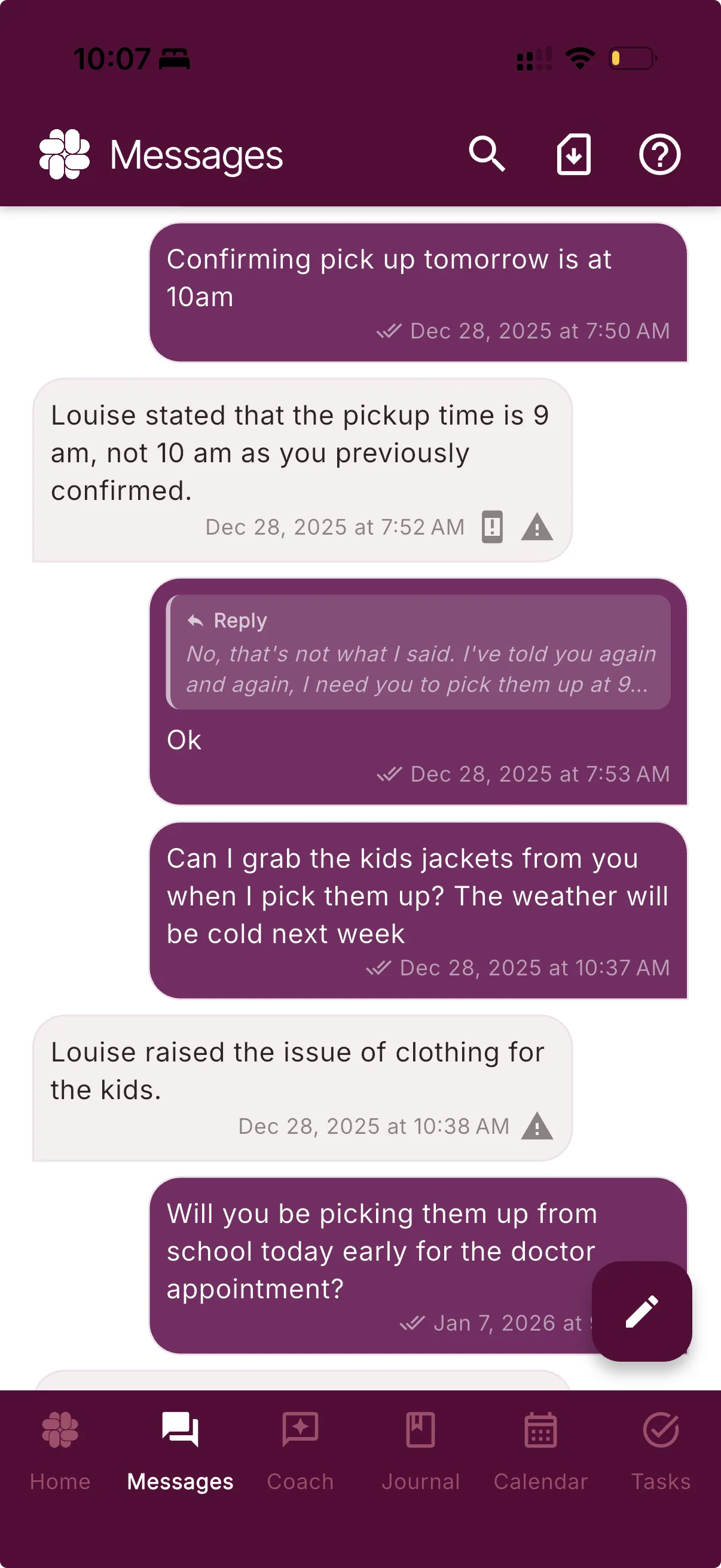
Verified Reports turn supported in-app records — messages, journal entries, calls, tasks, and expenses — into structured PDF reports. Connect includes up to 10 reports per month, and every report can include an optional Certificate of Authenticity. Protect and Protect Plus include unlimited reports. Separate CSV exports are available on Free and paid plans; they do not use the monthly Verified Report allowance. A structured PDF can be easier for an attorney, mediator, or other professional to review than a folder of screenshots.
From a real co-parent
“It helps to have an app I can use for journaling that makes it easy to print out entries for court use. Highly recommend!”
A record built for review
Make the important details easier to follow.
When the story is spread across screenshots, notes, calls, and receipts, the burden of rebuilding it falls on you. Verified Reports organize selected BestInterest records into a format designed to be read from beginning to end.
A sequence, not scattered screenshots
Choose supported records for a focused incident or a longer date range, then keep them together in a consistently ordered PDF.
Context a professional can follow
Available sender names, timestamps, and record details travel with the selected content so a reviewer can understand what they are looking at.
A source they can check
Every Verified Report can include an optional Certificate of Authenticity with a Report ID and PIN for independent comparison with the server-held original.
Independent verification
A PDF they can trace back to BestInterest.
On Connect, Protect, and Protect Plus, you can add a Certificate of Authenticity to the report cover. It describes how the included platform data was preserved and exported.
The certificate supplies a Report ID and verification PIN. During the availability period shown on the certificate, a reviewer can enter both at reports.bestinterest.app and retrieve the server-held original for comparison.
BestInterest
Verified ReportMessage report
Selected communication
January 4–18, 2026Five report types
The records that tell the day-to-day story.
Generate a focused report for one supported area or choose the records that matter to the question a professional is reviewing.
Messages
Show the conversation in order
Create a report from a single supported message or a selected span of communication, with available sender and timestamp details.
Journal
Bring documented events together
Export selected journal entries, including available entry details and attached photos, while keeping user-authored statements clearly their own.
Calls
Organize supported call activity
Include available in-app and Boundary Line call-log details such as timing, direction, status, and duration.
Tasks
Review requests and completion history
Turn supported shared tasks and available completion details into a readable record of family logistics.
Expenses
Put shared costs in one record
Export selected expenses and reimbursements with the available dates, amounts, categories, and payment details.
How it works
Select. Generate. Share.
BestInterest handles the consistent formatting. You decide what to include, who receives it, and how it fits into the larger situation.
01 · Select
Choose the record and range
Start from a supported area of BestInterest, use the export control, and choose the content the report should cover.
02 · Generate
Create the structured PDF
BestInterest formats the selected stored content with available timestamps and account metadata in a consistent order.
03 · Share
Give the reviewer a clearer record
Download the PDF for your own files or share it with an attorney, mediator, parenting coordinator, or other trusted professional.
Choose the format you need
Keep an archive—or create a report for review.
CSV exports and Verified Reports serve different purposes. Choose the option that matches how you plan to use the records.
Free
CSV exports for your own archive
Download available CSV exports without using a Verified Report allowance. CSV files do not include a Certificate of Authenticity.
Connect
Up to 10 verified reports with optional verification
Generate structured PDFs for supported messages, journal entries, calls, tasks, and expenses, and add a Certificate of Authenticity when you want a reviewer to check the server-held original.
Protect & Protect Plus
Unlimited Verified Reports
Generate as many Verified Reports as you need, with the same optional Certificate of Authenticity included with Connect.
Questions, answered
Verified Reports FAQ
What types of records can be included in a BestInterest Verified Report?
BestInterest supports five report types: Message Reports, Journal Reports, Call Reports, Task Reports, and Expense Reports. You can generate a report covering a single incident or a longer date range, depending on the records available in your account.
What is the Certificate of Authenticity and why does it matter?
Every Verified Report on Connect, Protect, and Protect Plus can include a Certificate of Authenticity describing how BestInterest preserved and exported the included platform data. It supports review of the report's source and integrity; it does not guarantee admissibility or prove that a user's journal statement is true.
How are BestInterest Verified Reports different from screenshots?
Screenshots can omit context or be difficult to organize. BestInterest reports export supported platform content with timestamps and available account metadata in a consistent format. A reviewer still decides what weight to give the information.
Do BestInterest reports include AI-generated opinions or tone tags?
Verified Reports do not add AI-generated opinions, interpretations, or tone tags. They contain selected platform content as stored when the report is generated, plus available metadata such as timestamps and sender names. User-authored journal entries remain the user's own account of events.
What file format does a Verified Report use?
Verified Reports are formatted PDFs. Separate CSV exports are available on Free and paid plans for archiving or analysis; they do not use the Connect report quota and do not include a Certificate of Authenticity.
Who can use BestInterest Verified Reports?
Verified Reports are available on Connect and higher. Connect includes up to 10 reports per month, while Protect and Protect Plus include unlimited reports. Every report can include an optional Certificate of Authenticity. They can help organize records for personal, professional, mediation, or legal review.
Turn the record into something readable